Draw rooms that make sense
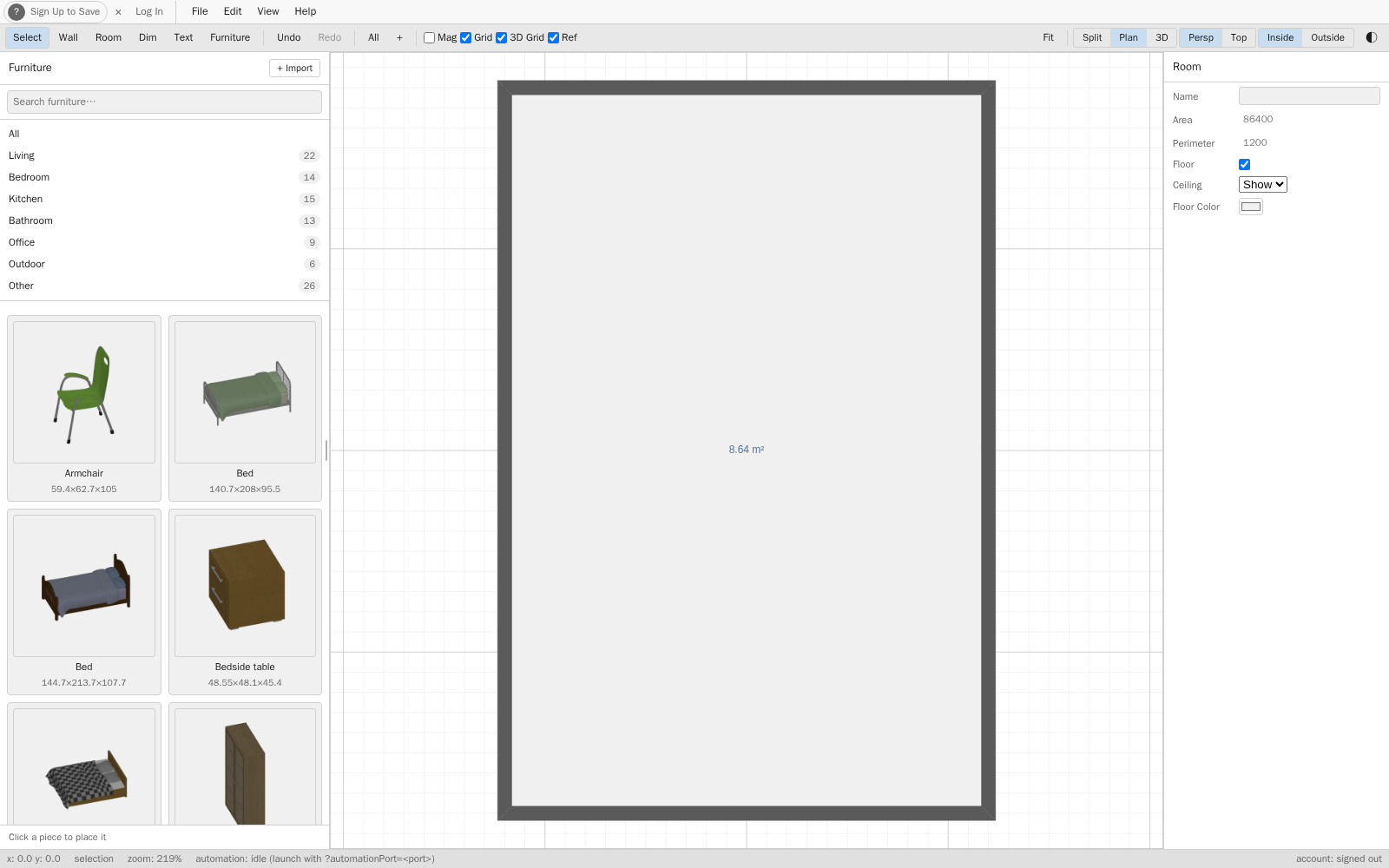
Place walls, doors, and windows on a grid that respects real proportions. No measuring twice to catch a misaligned room — the plan stays honest as you edit.
House Designer gives you three things most early-stage design tools skip: a clean way to sketch, a way to see what the sketch means, and a way to get a finished-looking image out of it — free, with no download and no account required.
Place walls, doors, and windows on a grid that respects real proportions. No measuring twice to catch a misaligned room — the plan stays honest as you edit.
Switch from the flat plan to a live 3D view, or split the screen and watch both update together. Spot problems that floorplans hide.
Queue a photoreal, path-traced render of your design — a finished picture, not a screenshot of a live preview.
Early design is about options, not precision. Move a wall, swap a room, test a different entrance — and keep the versions that work without cluttering your file.
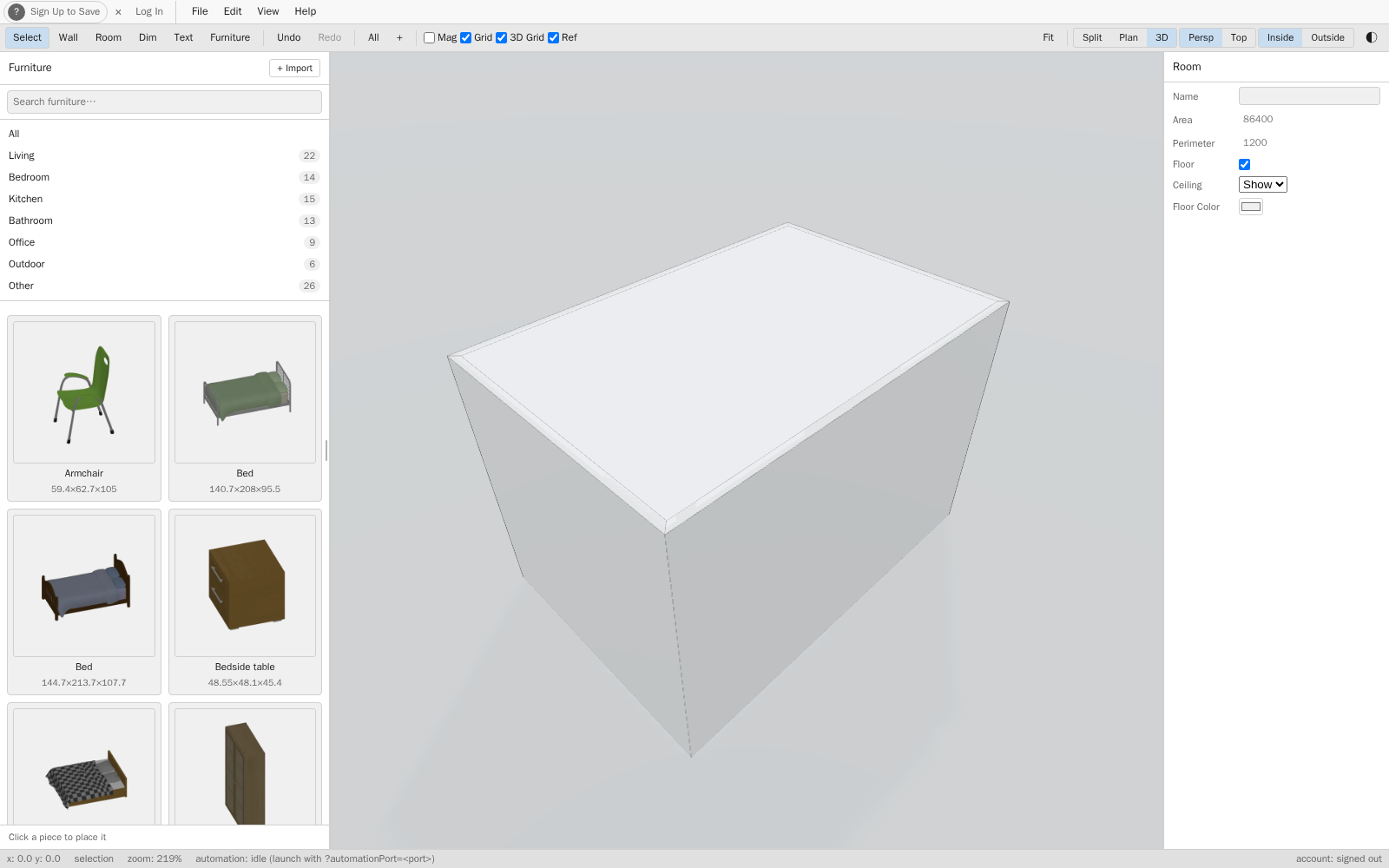
A live 3D view catches the awkward corner, the window that faces a wall, the hallway that feels tighter than the plan suggested. Fix it now, not during framing.
The live 3D view is for iterating fast. When you want a finished image — for a mood board, a family vote, or just to see it for real — queue a photoreal render of the same model.
No templates to undo. No defaults to fight. Just a grid, your ideas, and a clear path to a layout you can stand behind — free, no signup required.