House Designer — free, browser-based, no signup

Free 3D home design and floor plan creator — no download, no signup.

Draw your floor plan, furnish it, and see it in 3D — start designing right now, free, with nothing to install and no account required.
Start designing — it's free ↗
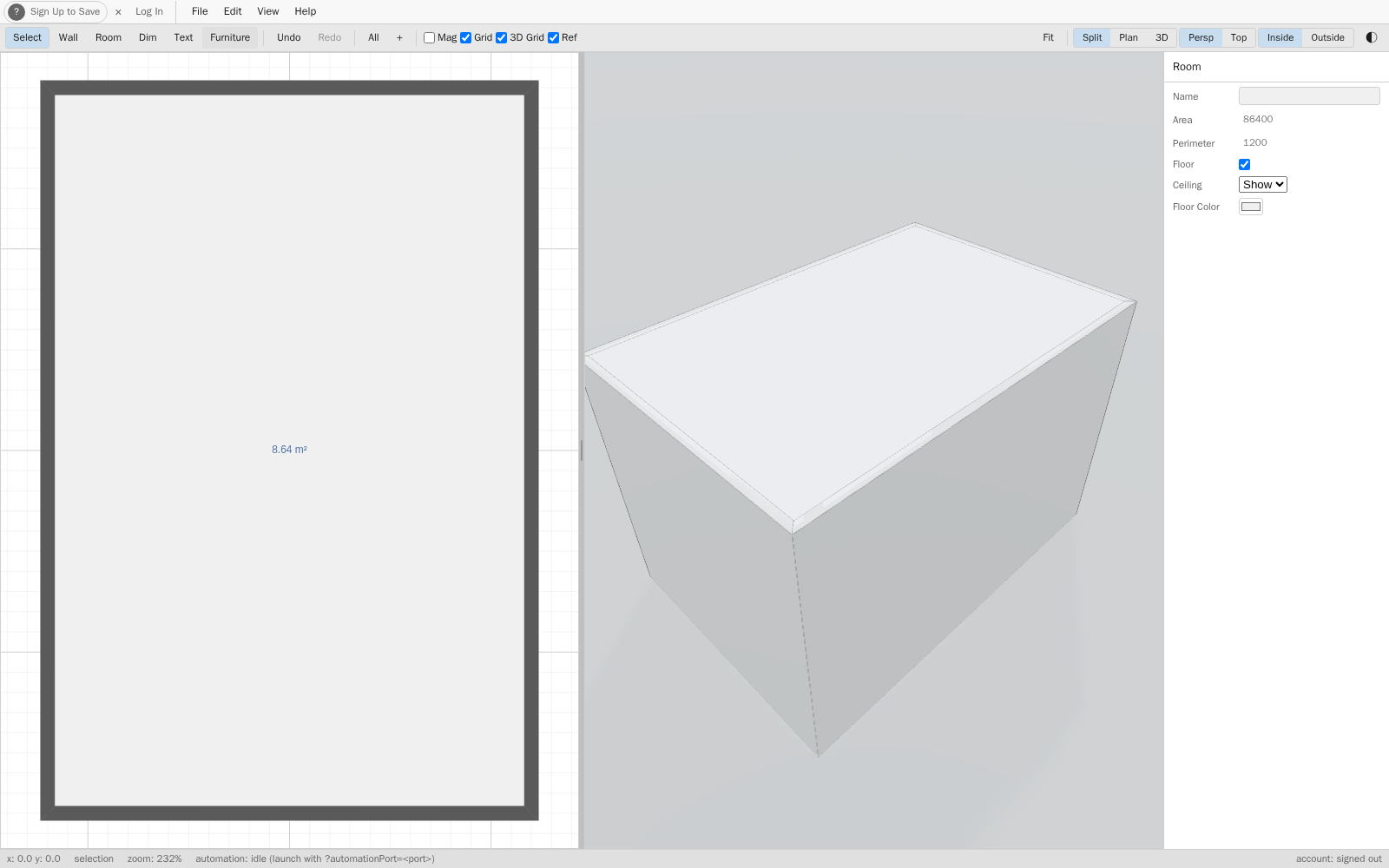
House Designer split view showing a real room's 2D floor plan on the left and the matching live 3D view on the right
Real design examples, not mockups

Here's what's really on screen.

House Designer is still in active development — some of this UI will keep changing — but every screenshot below is a real capture of the working app, not a concept render.
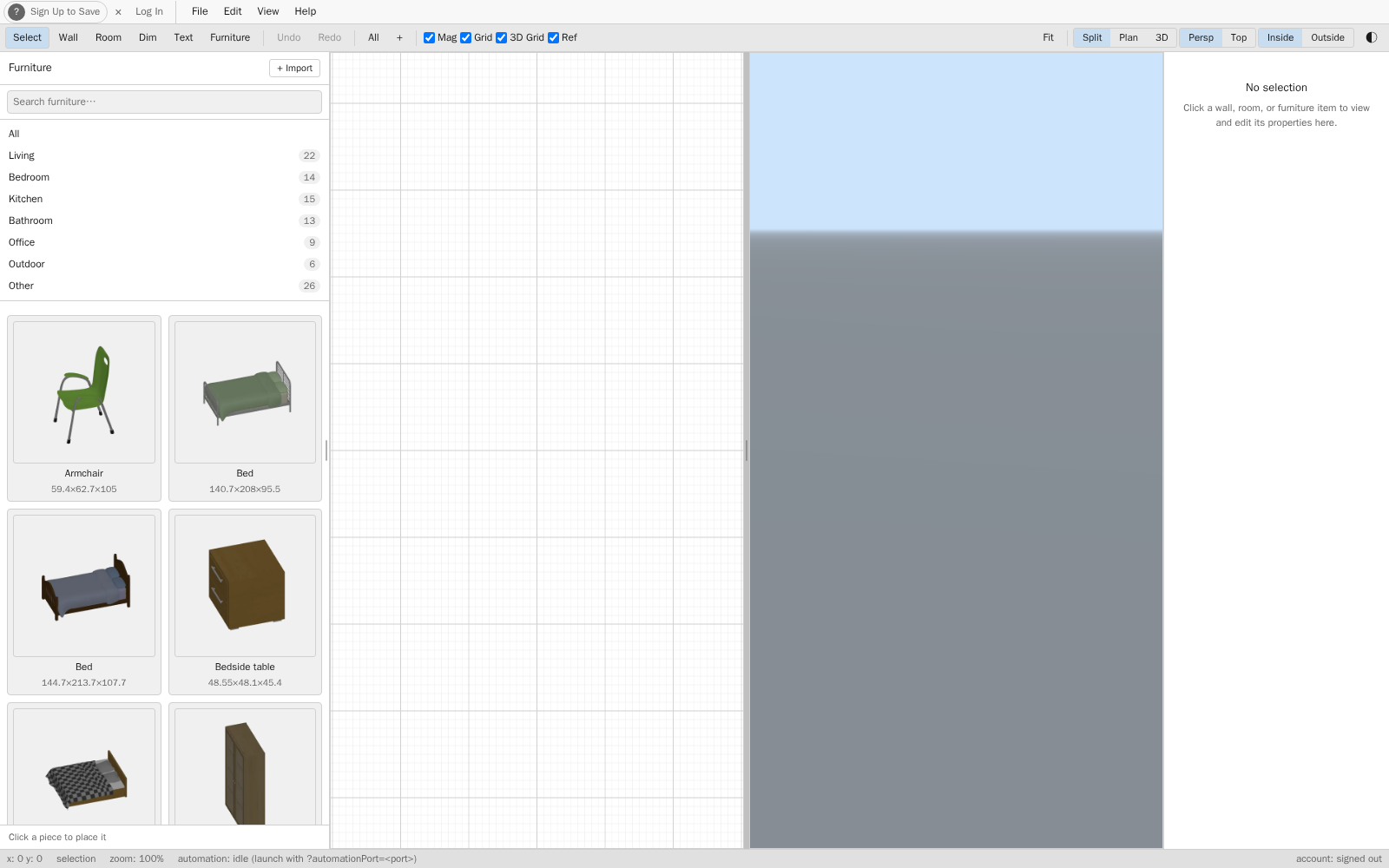
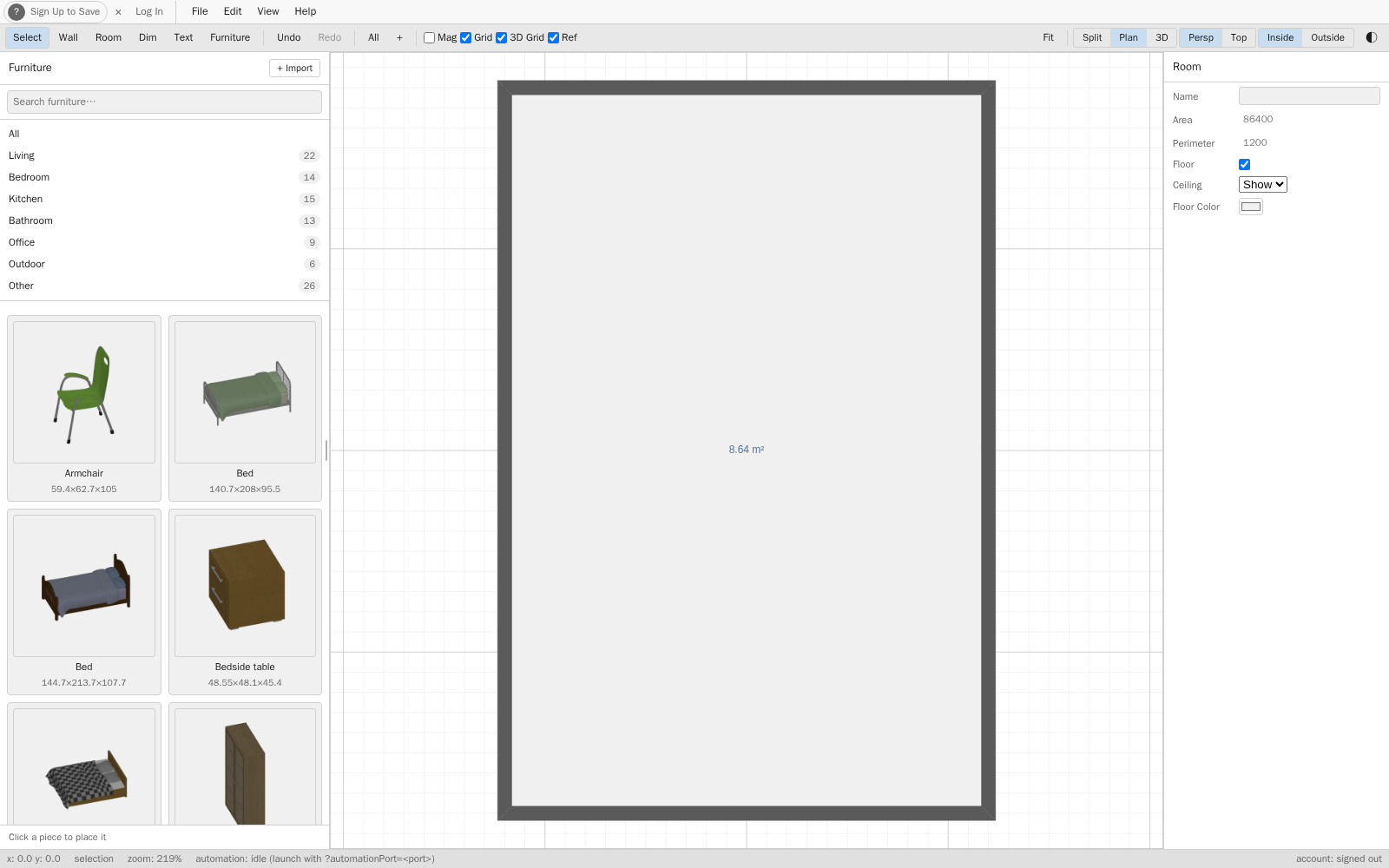
Empty split view in House Designer, ready to start drawing a floor plan
A blank canvas — start drawing immediately, no setup.
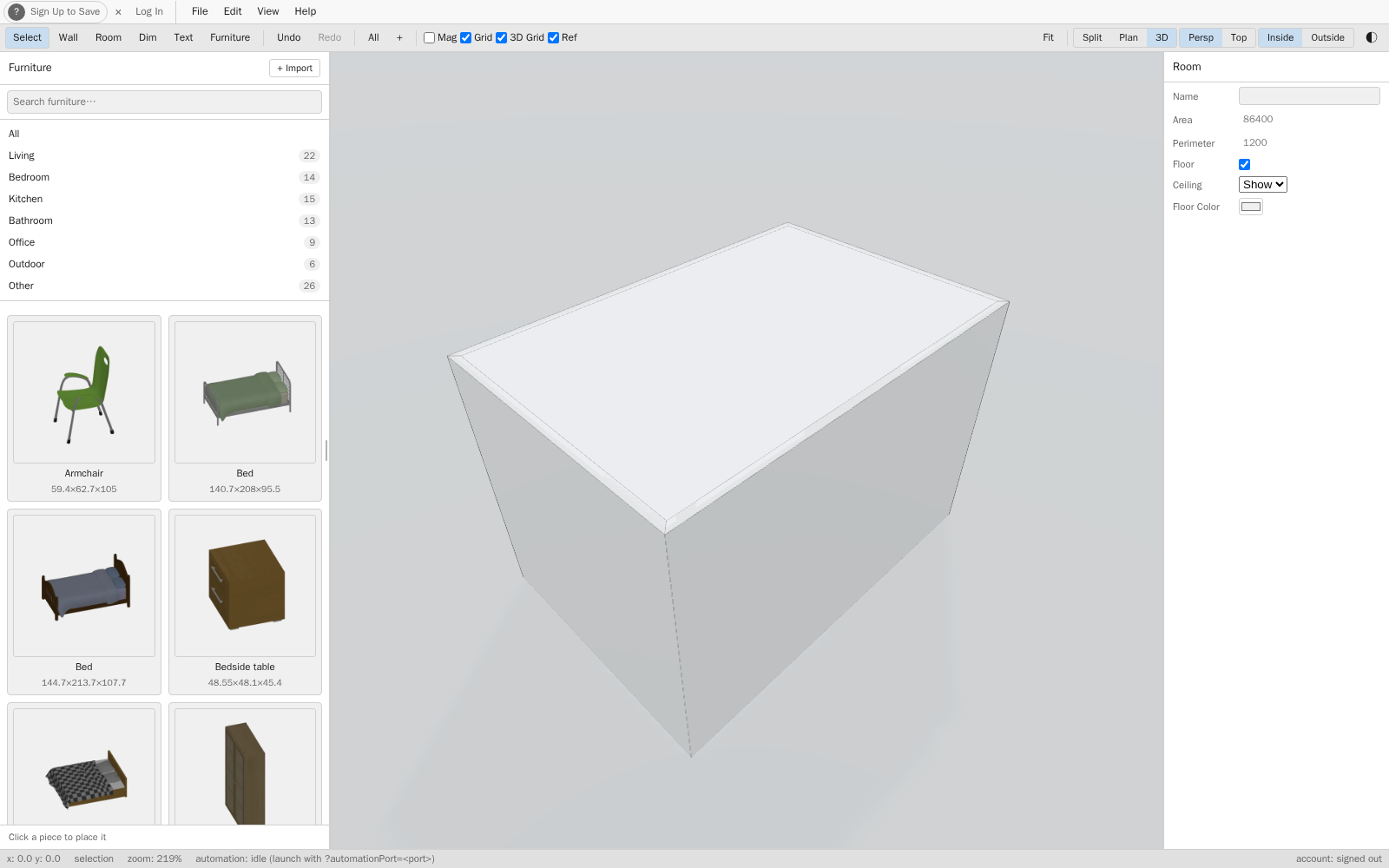
2D floor plan view in House Designer, showing walls, rooms, and openings
The plan view on its own.
Live 3D view of a room design, full screen, in House Designer
The 3D view on its own.
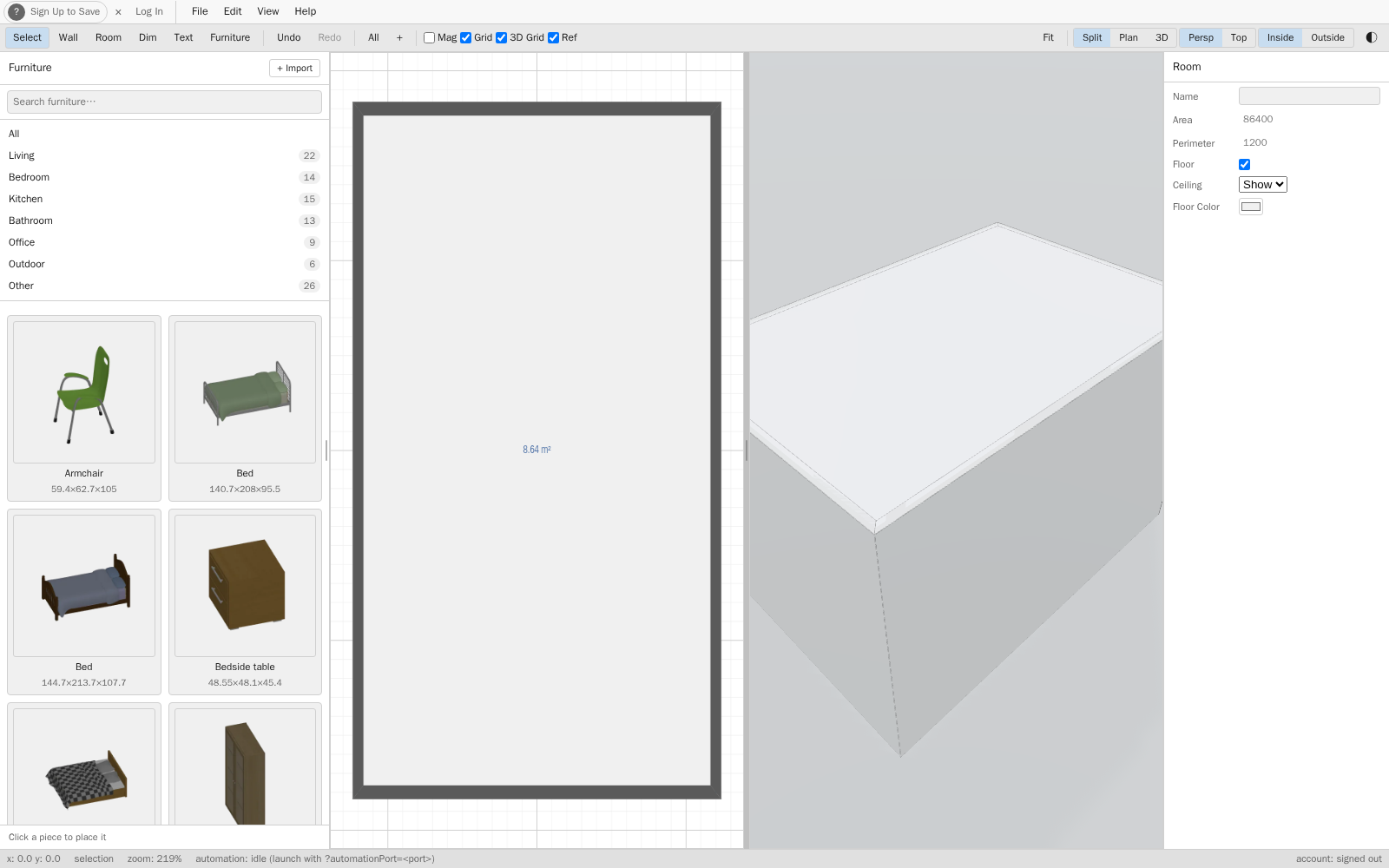
Furniture catalog panel in House Designer, showing items available to place in a room
The furniture catalog for filling out a room.
How it works

Draw the plan. Arrange the furniture. Walk through it in 3D.

01 / PLAN

Draw the plan

Sketch walls, rooms, doors, and windows on a grid that keeps every measurement honest as you edit.

02 / FURNISH

Arrange the furniture

Place furniture from the catalog and lay out each room the way you'd actually live in it.

03 / WALK

Walk through it in 3D

Flip to a live 3D view of the exact same model — no separate export, no waiting.

Renovating? Plan it first.

See your renovation before you commit to it.

Sketch the new layout, move the walls that are actually moving, and see the result in 3D before a single thing changes in the real room.

FAQ

Free, in your browser, no signup — the details.

Is House Designer really free?
Yes. You can draw a floor plan, furnish it, and view it in 3D at no cost, and there is no credit card to enter. If that changes for any part of the product, we'll say so on the pricing page before it happens.
Do I need to create an account or sign up?
No. Open the app and start designing right away; there is no account to create and no signup step.
Do I need to download or install anything?
No. House Designer runs in your web browser, so there is nothing to download or install.
Do I need design experience to use it?
No. You sketch walls, rooms, doors, and windows on a grid, place furniture from the catalog, and flip to a live 3D view of the same model.
Can I use it to plan a renovation?
Yes. Sketch the new layout, move the walls that are changing, and see the result in 3D before anything changes in the real room.
Start designing — it's free ↗